
Build The Lesson
Everything a course needs, including the parts that normally require a 3D artist.
3D COURSE CREATOR
Build lessons in 3D space with drag-and-drop models. No modelling background needed — if you can arrange slides, you can build in 3D.
UPLOAD YOUR OWN MODELS
Bring Blender exports and Sketchfab assets straight into a lesson, or generate a model with AI when you do not have one.
AI LESSON ASSISTANCE
Draft a course outline, fill a lesson, or turn a PDF into a structured class — then edit every word of it yourself.
CURRICULUM-GROUNDED
Generation reads the real syllabus for CBE, Cambridge IGCSE and Pearson Edexcel, so what comes out is on-spec rather than plausible.
Teach What A Slide
Cannot Show
Some things do not survive a diagram. A turbine, a heart, a circuit under load — students understand them by moving around them, not by looking at a picture.
The 3D Course Creator lets you place models in a scene, script what happens, and let a student walk through it. Drag and drop, no modelling background, no separate software.
- Drag-and-drop Sketchfab and Blender models
- Generate a 3D asset when you do not have one
- Scene-by-scene scripting with narration
Generate Downloadable Content
Fourteen tools that turn a topic and a grade into something you can print, assign or hand out tomorrow morning.
QUIZZES & MOCK PAPERS
Full papers in exam format with sections, marks and a marking scheme. Ready to print or assign in-app.
WORKSHEETS & HOMEWORK
Exercises with answer spaces, hints and worked solutions — pitched at the grade and curriculum you selected.
LESSON PLANS & SCHEMES
A day-by-day lesson flow with objectives, materials and assessment, or a full teaching calendar for the term.
VISUAL AIDS
Anchor charts, concept visualisations, flashcard decks and key-point summaries — all downloadable.
Bring Your Own
Classroom
You do not arrive empty-handed. Invite the students you already teach, enrol them in your courses, and keep the relationship you have built.
Then watch what the insights tell you — which topics landed, which student went quiet three weeks ago, and what to reteach before it becomes a grade.
- Invite students and enrol them in your courses
- Assignments, assessments and a shared calendar
- Per-student insight written in plain language
A Board With
A Live Tutor Inside
The Digital Board is a real drawing and writing canvas — every student already has one. Every board also carries one-tap Check My Work, Give Me a Hint, Explain This and Show an Example actions, live call or not.
Open it during a live tutor or assistant session and it changes: Ask My Tutor sends what's on the page straight into that same conversation, with the answer written back onto the board and read aloud. Instructors get one more action on top — Explain to Class, which drafts a finished, class-ready explanation to read aloud or display.
- The same board your students already use, not a separate tool to teach
- Explain to Class turns whatever is on the board into something ready to present
- Works standalone for lesson prep, or live, mid-session, with an AI tutor attached
Grow And Earn
What you build does not have to stay in your own classroom.
INVITE YOUR STUDENTS
Bring your own class onto the platform, enrol them in your courses, and keep teaching the students you already have.
SEE WHO IS SLIPPING
Student insights show what was covered, what is sticking and who needs another pass — before the exam tells you.
SELL WHAT YOU BUILD
Publish a course to the marketplace and earn from it. Parents, home-schoolers and other schools can enrol in your work.
MARK FASTER
Evaluate student answers against your own rubric with detailed per-question feedback, then adjust before it goes back.
Free Or Premium
Free
- Buy any curriculum in-app
- Teaching materials and schemes of work
- Author standard courses
- Student dashboards and analytics
- Every AI tool — you only need Cogs
Premium
- Everything in Free
- Create 3D and VR courses
- Upload your own 3D models
- The 3D Course Creator
- Sell on the marketplace
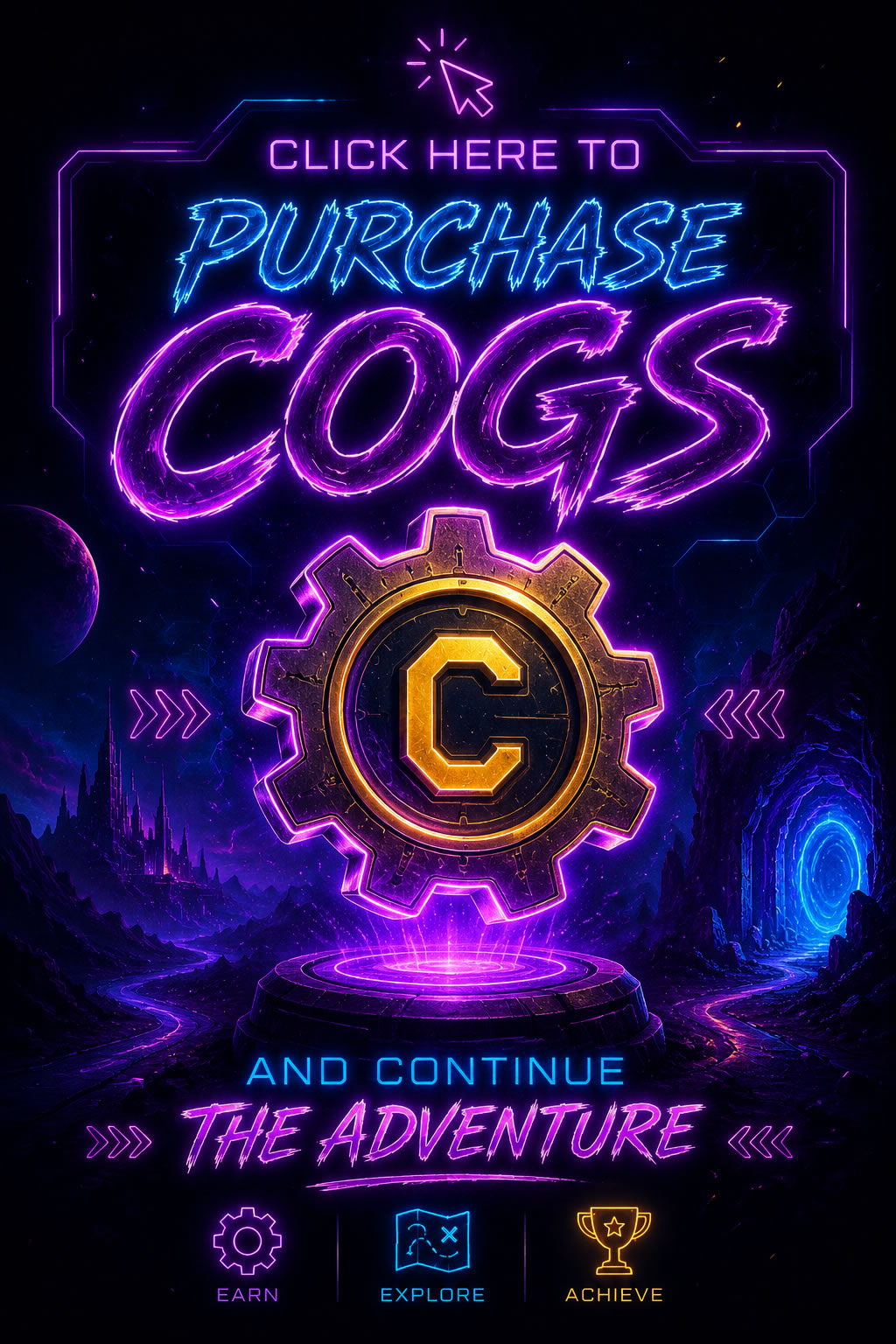
You Buy Cogs,
Then You Use AI
Tier decides what you can build. Cogs decide how much you generate. Even on the free tier every AI tool is open to you — you just need Cogs to run them, so nobody is locked out of the toolset by a subscription.
- Quizzes, mock papers, worksheets and lesson plans
- AI course generation and PDF-to-lesson conversion
- 3D models, images and video generated for a scene
- Narration, and marking student work against your rubric
A subscription unlocks what you can reach. Cogs are what you spend while using it — top up any time, and you only pay for what you actually generate.
Build Your First
3D Lesson
Affiliates
Refer and Earn
With Every Subscription
Bring your school or your students to Cognita and earn commission on every subscription payment they make — alongside what you earn from teaching.