
See Everything
"How was school?" "Fine." That exchange is where most parents lose the thread. This replaces it with something you can actually read.
INVITE YOUR CHILDREN
Link each child to your account in a couple of taps. One dashboard, however many children you have, each with their own grade and curriculum.
CHILD REPORTS
What was studied, what was completed, how long it took and how it scored — per child, per subject, without asking them.
LEARNING INSIGHTS
Not just numbers. A plain-language read on where your child is strong, where they are drifting, and what to do about it this week.
CONVERSATION OVERSIGHT
Read what the AI tutors actually said to your child. Every session is visible to you — no black box between them and the platform.
Read Every
Conversation
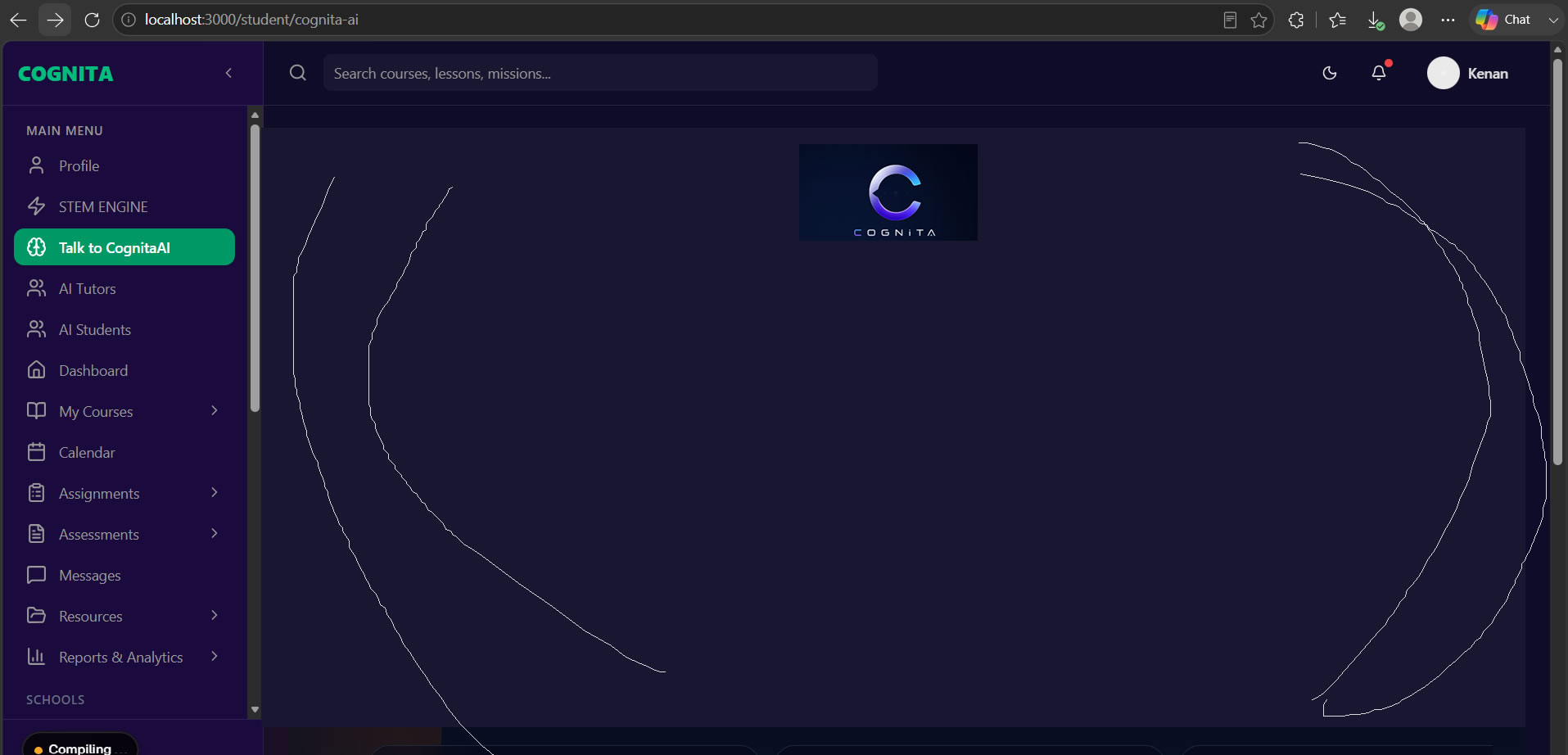
Your child will talk to an AI tutor about things they would not raise with you. That is useful — but you should still be able to see it.
Conversation Oversight shows you every tutor and study-buddy session in full. Not a summary, not a safety score. The actual transcript, so you decide what matters.
- Full transcripts, per child and per session
- Every tutor is grounded in their curriculum, so you can check what was taught
- Nothing is hidden behind a moderation layer you cannot inspect
Areas For
Improvement
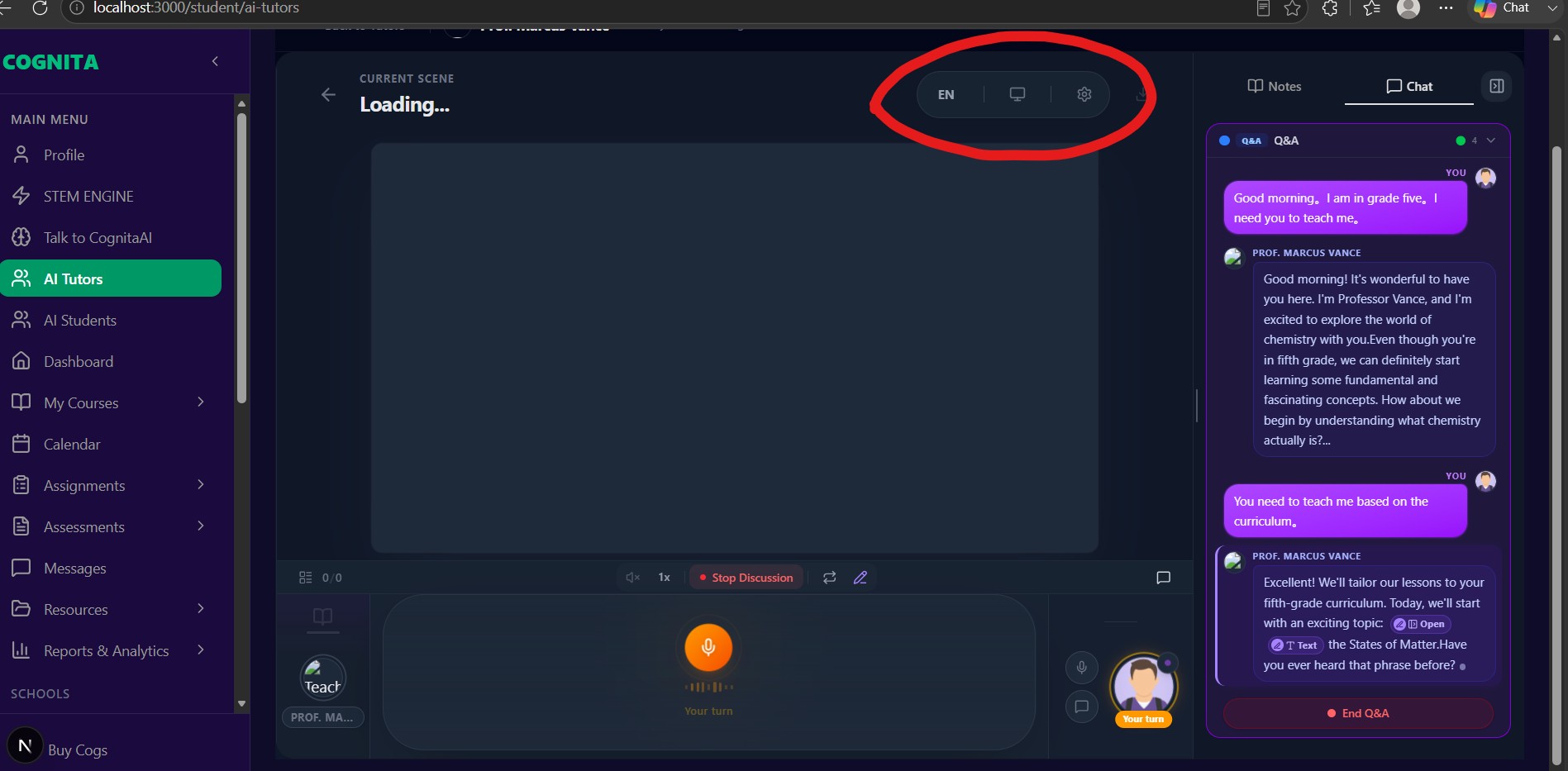
A report card tells you the result after it is too late to change it. Learning Insights tells you the pattern while it is still forming.
Which topics are not sticking, which subject has gone quiet, whether the time spent is going into revision or avoidance — written in plain language, with the one thing worth doing next.
- Per-subject strengths and gaps
- Time and engagement trends, not just scores
- A clear next step rather than a chart to interpret
Then Do Something About It
Seeing the problem is half of it. These are the levers you have.
SPOT THE SLIP EARLY
A topic quietly not landing shows up in the insights weeks before it shows up in a grade. That is the window where it is still cheap to fix.
ASSIGN MISSIONS
Set your child a specific mission or topic to work through, and see it come back completed with a score.
AUTHOR THEIR COURSES
Build your own course and enrol your children in it — useful for faith, language, life skills or anything the school does not cover.
NOTIFICATIONS
Told when work is submitted, when a score drops, and when a child has not opened anything in a while.
How You Start
Create A Free Account
Costs nothing. You can buy into any curriculum from the free tier.
Invite Your Children
Link each child, set their grade and curriculum, and everything is pitched to them.
Buy Cogs
Cogs are the credit the AI runs on. Your children spend them on tutors and practice.
Watch The Insights
Reports and oversight fill in as they work. You read, and step in where it matters.
You Buy Cogs,
Then You Use AI
Your account is free, and so is linking your children and reading their reports. Cogs are what the AI itself runs on — you top up once and your children spend them as they learn.
- Tutor calls and practice-buddy sessions for each child
- Mock exams generated and marked
- Worksheets, flashcards and revision summaries
- Narration, diagrams and 3D models generated in a lesson
A subscription unlocks what you can reach. Cogs are what you spend while using it — top up any time, and you only pay for what you actually generate.