Drone Design and Assembly for Beginners
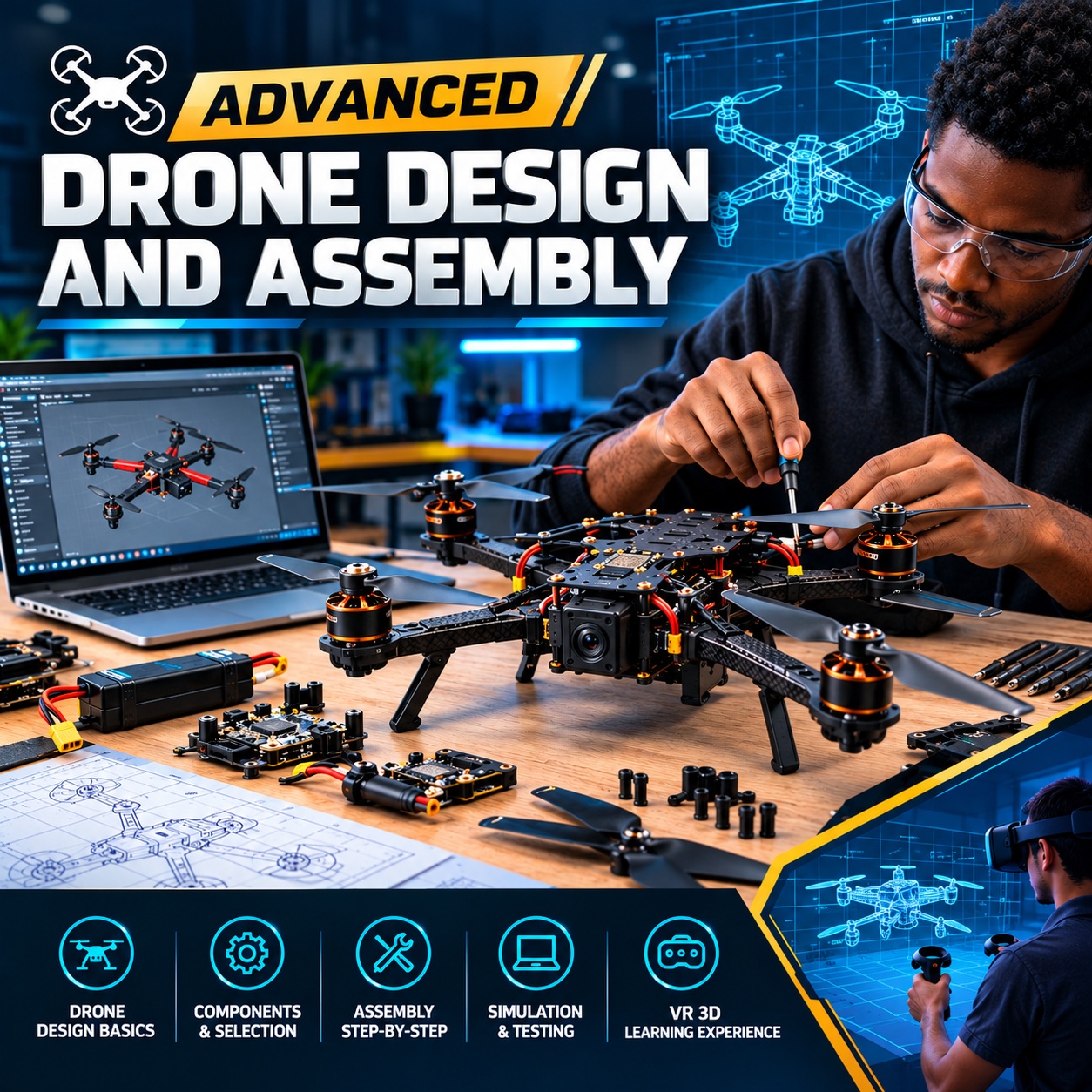
A complete, hands-on start in drones. You take an F450 quadcopter apart in 3D, meet every part in 2D and 3D (the Pixhawk flight controller, the power module, ESCs, brushless motors, props, GPS, radios and the LiPo pack), and learn how four spinning propellers hold a drone up and steer it. You learn the STEM Engine one tool at a time, then build the drone yourself: the power chain, the ESCs and motors, a fault-find, the ArduPilot parameter file, and a pre-flight check. Then you fly it in the Physics Sim: a hover, a waypoint circuit, and the missions real drones fly: geofencing, parcel drops, search and rescue, auto-charging and reconnaissance. Seven assignments in the STEM Engine take you from an empty board to a hand-wired quad flying a reconnaissance mission, each one graded on the server. **Launch offer:** buying the course upgrades your account to Premium for 1 month and unlocks every Physics Sim mission module. To go further, from designing and fabricating your own frame to FPV stacks and other airframes, continue with **Advanced Drone Design and Assembly**.
69 lessons · KES 3,500
What you will learn
- 1. Meet the quadcopter
- What a multirotor is Free8 min
- How it flies: thrust, torque and yaw10 min
- Lab: Which way does each rotor spin?8 min
- Safety before power8 min
- Quiz: Meet the quadcopter6 min
- 2. The kit
- The F450 kit, part by part10 min
- Lab: Find every part10 min
- Flight controllers compared9 min
- Batteries: 3S or 4S, small or big9 min
- Quiz: The kit6 min
- 3. Every part in 2D and 3D
- Part: Pixhawk 1 flight controller12 min
- Part: Power module8 min
- Part: GPS and compass8 min
- Part: Telemetry radio6 min
- Part: RC receiver6 min
- Part: Buzzer and safety switch6 min
- Part: ESC (30 A)10 min
- Part: Motor (2212 920 KV)6 min
- Part: Propellers6 min
- Part: F450 frame and power board6 min
- Part: The flight battery6 min
- Quiz: Every part6 min
- 4. Using the STEM Engine
- How to use it: The parts library and canvas8 min
- How to use it: The design canvas6 min
- How to use it: Pins and Power on8 min
- How to use it: Hand-wiring10 min
- How to use it: The 3D view and tucking the wires8 min
- How to use it: The wiring guide6 min
- How to use it: The Code tab and the .param file8 min
- How to use it: The Physics Sim10 min
- How to use it: CognitaAI in the engine6 min
- How to use it: The assignment banner6 min
- Quiz: The STEM Engine5 min
- 5. Wiring the power chain
- Battery, power module, power board10 min
- The ESC battery leads7 min
- Lab: Diagnose the dead quad8 min
- Lab: A battery that isn't there6 min
- Quiz: The power chain5 min
- 6. ESCs, motors and props
- ESC n on output n9 min
- Motor phases and reversing a motor7 min
- Lab: Swapped signals8 min
- Lab: A motor with a lead missing6 min
- Lab: Fit the props7 min
- Quiz: ESCs, motors and props5 min
- 7. The Pixhawk's peripherals
- GPS and compass7 min
- Telemetry and the receiver7 min
- Buzzer and safety switch5 min
- Lab: Plug in the peripherals10 min
- Quiz: Peripherals5 min
- 8. ArduPilot setup
- What a .param file is10 min
- Lab: Read your parameters8 min
- Lab: Calibration order6 min
- Quiz: ArduPilot setup5 min
- 9. Pre-flight and first flight
- Tucking and the flight gate7 min
- Lab: Pre-flight7 min
- Lab: First hover10 min
- Lab: The waypoint circuit10 min
- Quiz: First flight5 min
- 10. Missions
- Mission: Geofencing7 min
- Lab: Geofence test11 min
- Mission: Auto deployment7 min
- Lab: Parcel drop11 min
- Mission: Auto search8 min
- Lab: Search and rescue12 min
- Mission: Auto charging8 min
- Lab: Auto charging12 min
- Mission: Auto reconnaissance8 min
- Lab: Reconnaissance12 min
- Quiz: Missions6 min